

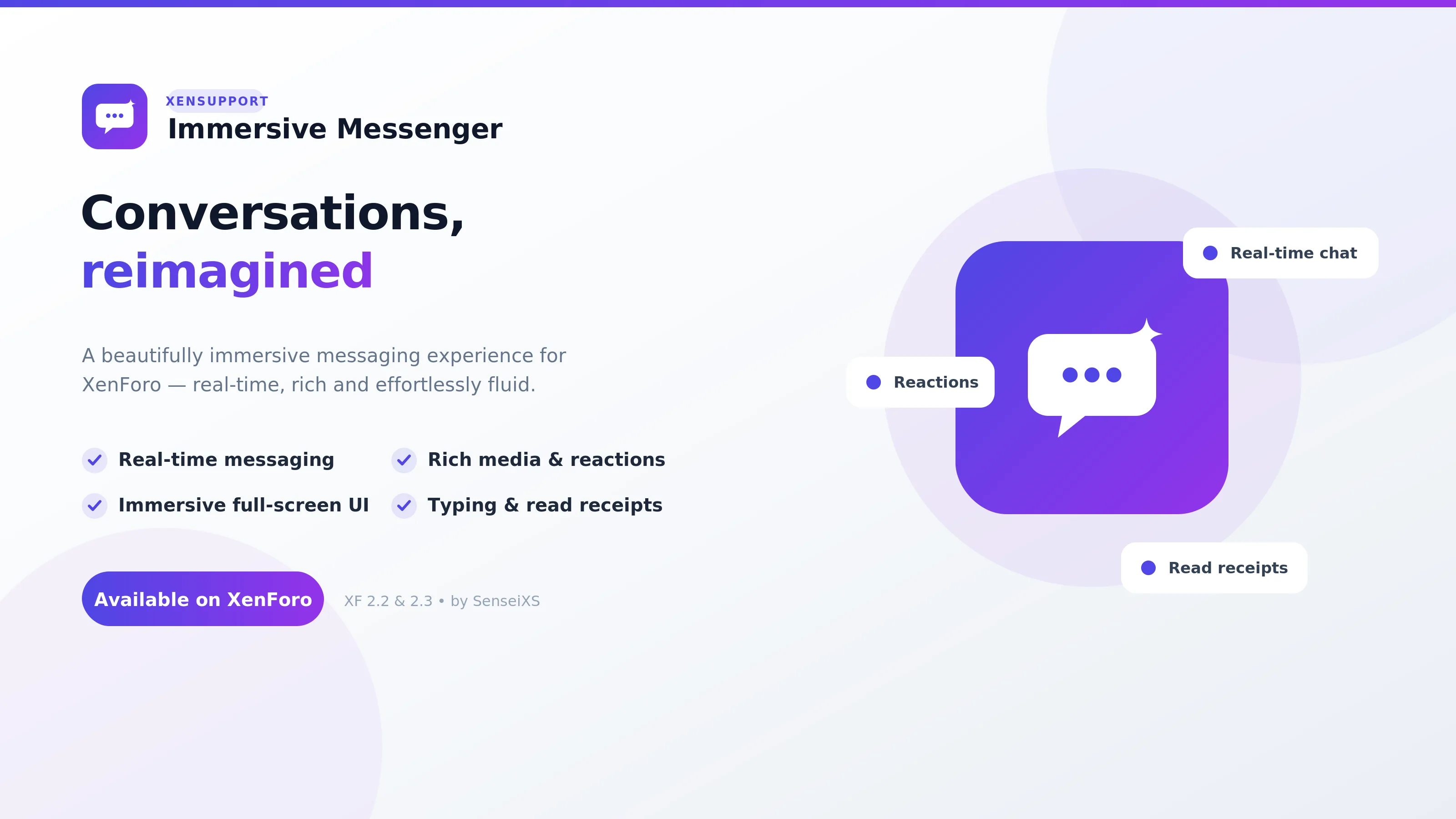
Immersive Messenger
v1.0.0A premium, real-time Discord/Telegram-style messenger for XenForo 2.3, built on native Direct Messa…
Access your XenSupport account to download your purchases.
Free signup, no credit card required.
14 add-ons · XenForo 2.3+ · one-time purchase
Buy online, receive your installation file and your license key instantly. The add-on is yours forever, with 12 months of updates and support.
One-time purchase · no subscription · 12 months of updates
The catalogue
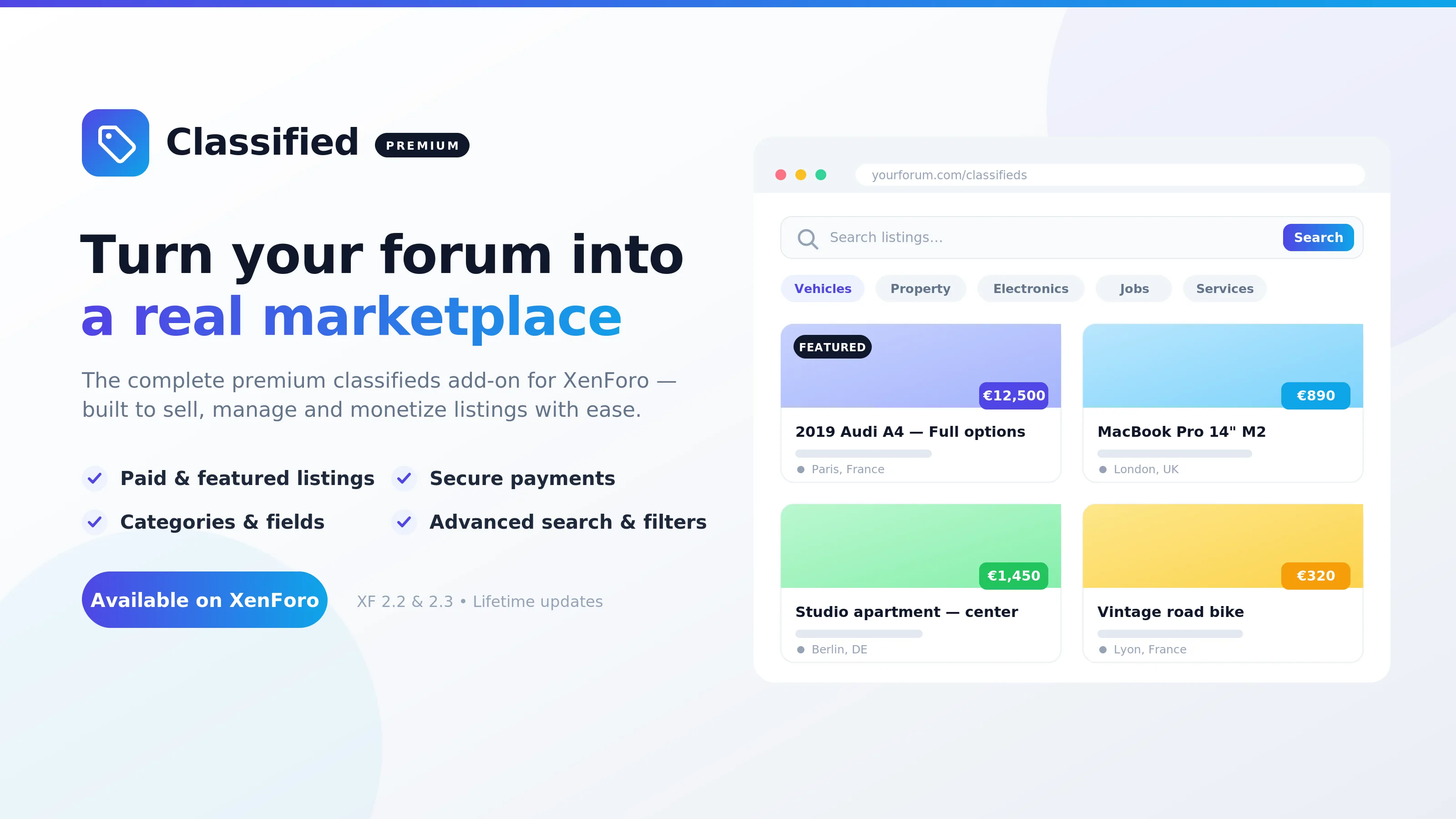
Clean code, updates and support included. Pick one, pay once, install in minutes.
A premium, real-time Discord/Telegram-style messenger for XenForo 2.3, built on native Direct Messa…

Your community already talks about games. GameHub finally gives those conversations a home.

Make your staff, donators and VIPs impossible to miss.
003 / POWER-UPS
Two ways to go further: Elite for unlimited free add-on downloads (and 10% off paid ones), and Studio — your custom dev team on retainer, Elite included.
1–2 add-ons? Buy once. An active forum? Go Elite. Need ongoing dev? Studio. Compare all plans
Unlimited free downloads, 10% off paid ones, priority support, Elite badge — no commitment.
Custom development every month — Elite included.
Bundles
Curated sets of our add-ons at one fixed price — buy together, pay less.
Every premium add-on. One price.
Turn your forum into a game.
Grow and keep your members.
Trusted by forums worldwide
See all forums →FAQ
READY TO START
14 add-ons, an Elite plan or custom development — pick what you need, we handle the rest.